

Integrated Clips Manual
Owner's manual and setup guide.
Integrated Clips
Owners Manual
If your slingshot comes with integrated clips, this manual will make sure you set them up correctly.
- * *
Get to know your Slingshot
You must understand some basics of your slingshot in order to understand proper setup.
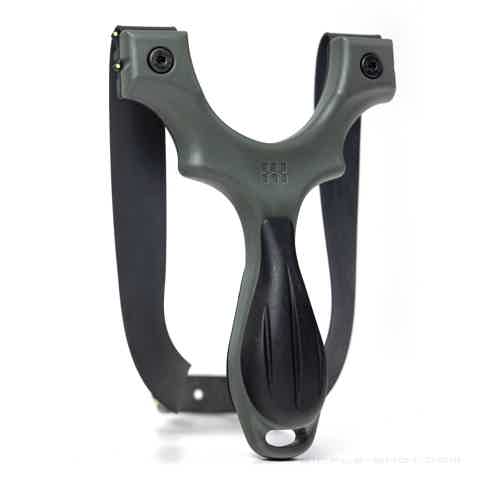
The Shooter Side
Shown here on Scout X, the shooter side is the side that will face you as you shoot.
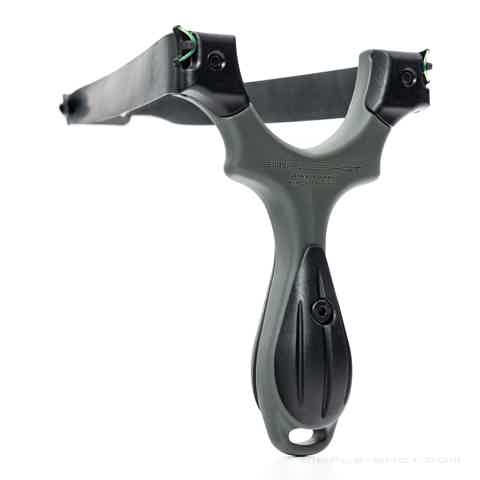
The Target Side
Shown here on Scout X, the target side is the side that will face away from you.
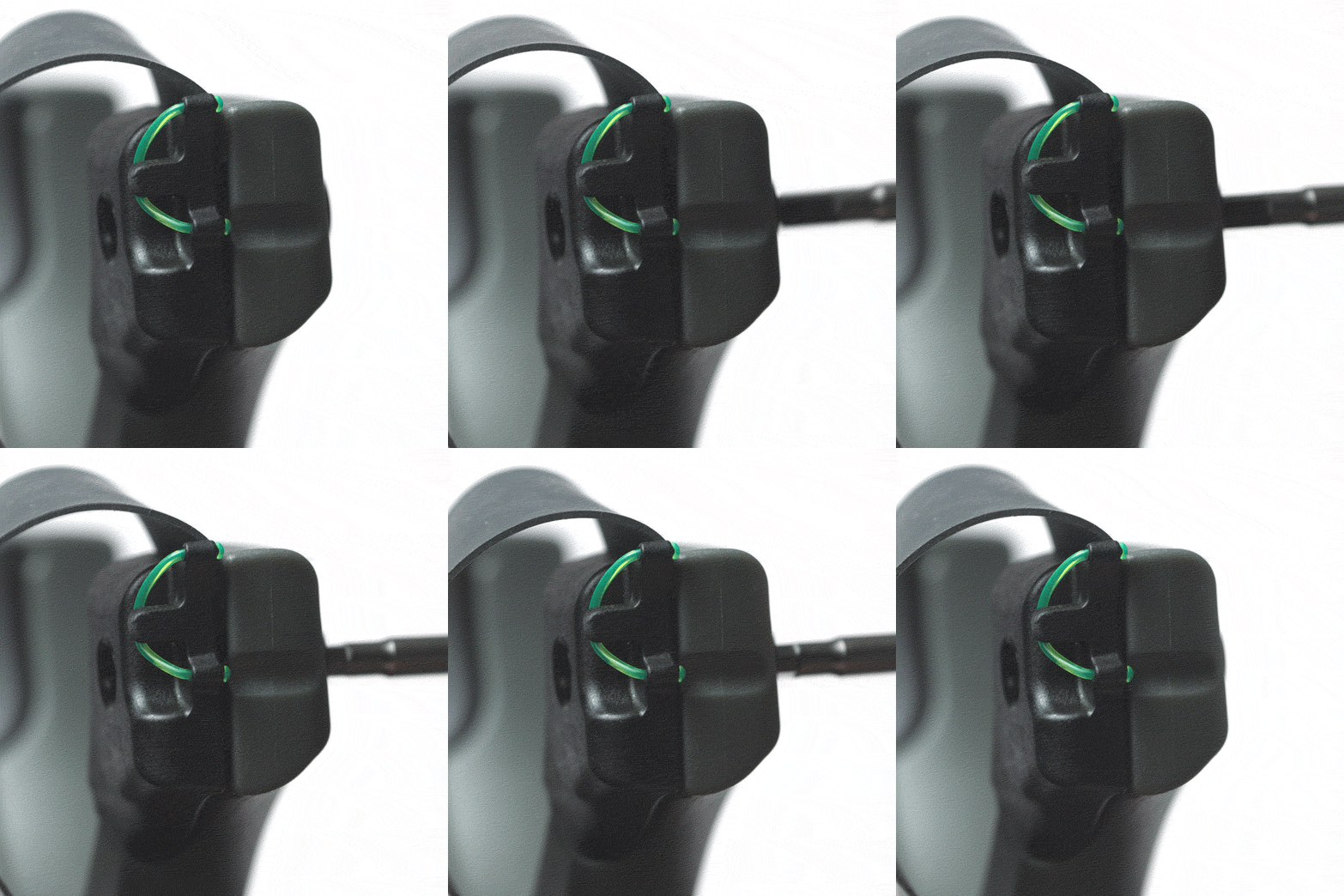
Integrated Clips
Integrated Clips hold the bandset. Scout LT and Scout X offer OTT or TTF configuration.
OTT (Over The Top)
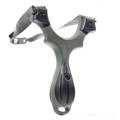
Band orientation where you shoot the ammo over the top of the forks. (Integrated Clips hold the band to the TOP of the frame.)
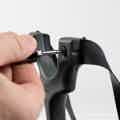
TTF (Through The Forks)
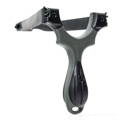
Band orientation where you shoot the ammo through the forks. (ntegrated Clip hold the band to the SIDE of the frame.)
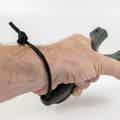
The Lanyard
A simple piece of paracord that attaches to the handle of your Scout X frame and secures the slingshot to your frame-holding hand.
- * *
Install Your Bands With Integrated Clips
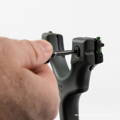
Step 1.
Losen Integrated Clips with 3mm Allen Wrench until there's enough space for a band to fit in.
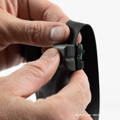
Step 2.
Place the band into the groove of the frame and under the "tooth" of the Integrated Clip.

Step 3.
Tighten the fastener until hand tight. (Shown OTT tightened with 3mm Allen Wrench keychain).

Step 4.
****
Pull up on the band to check that the bands are secure before moving on to the other side.
In step 3, No need to tighten very hard.Be careful to not damage the band material as tighten your FlipClips.
'Over The Top' & 'Through The Forks' Configurations
If your frame can shoot either (Scout X and Scout LT), decide whether you will be installing your bands OTT or TTF.Don't know which to use? Try both, but START WITH OTT.
OTT
TTF
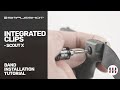
Integrated clip Installation Instructions
Demonstration shown with Scout X. The process is the same with any integrated clip frame.

Do not shoot stones or rocks from any slingshot.
- * *
Rocks – no matter how round they look – shoot erratically and shooting them may damage your slingshot and bands.
Due to the uncontrollable nature of shooting non-spherical projectiles, shooting a rock from a SimpleShot slingshot voids any / all warranties.
Recommended 

Scout X
Recommended 

Scout LT2
Recommended 

Scout XT
Recommended 

Axiom
Recommended 

Axiom Ocularis™
Recommended 
